

Roles
Roles in SolidX provide a way to group permissions and manage access control at a high level. Each role represents a set of permissions that can be assigned to users.
Role Management
Role Types
Below are some typical roles you can find in SOLID:
System Roles
Administrator
- Full system access
- User management
User
- Basic system access
- Profile management
- Limited model permission
Custom Roles
Examples of common custom roles:
Content Manager
- Content creation
- Content editing
Viewer
- Read-only access
- Report viewing
- Basic dashboards
Permission Categories
Model Resource Permissions
- CRUD operations
- Import/Export
Administrative Permissions
- User management
- Role management
- System settings
Creating a New Role
Figure 1: Creating a New Role
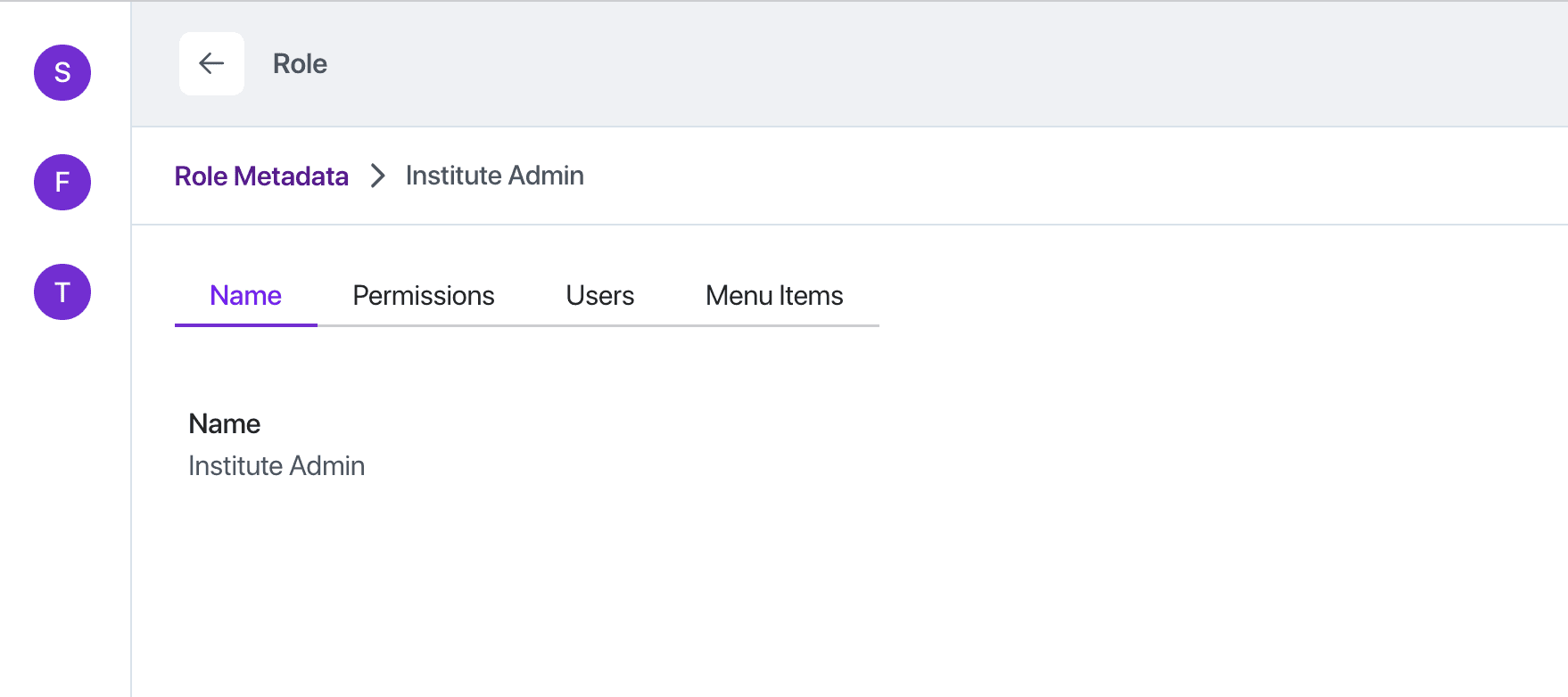
Figure 2: Assigning Role Permissions
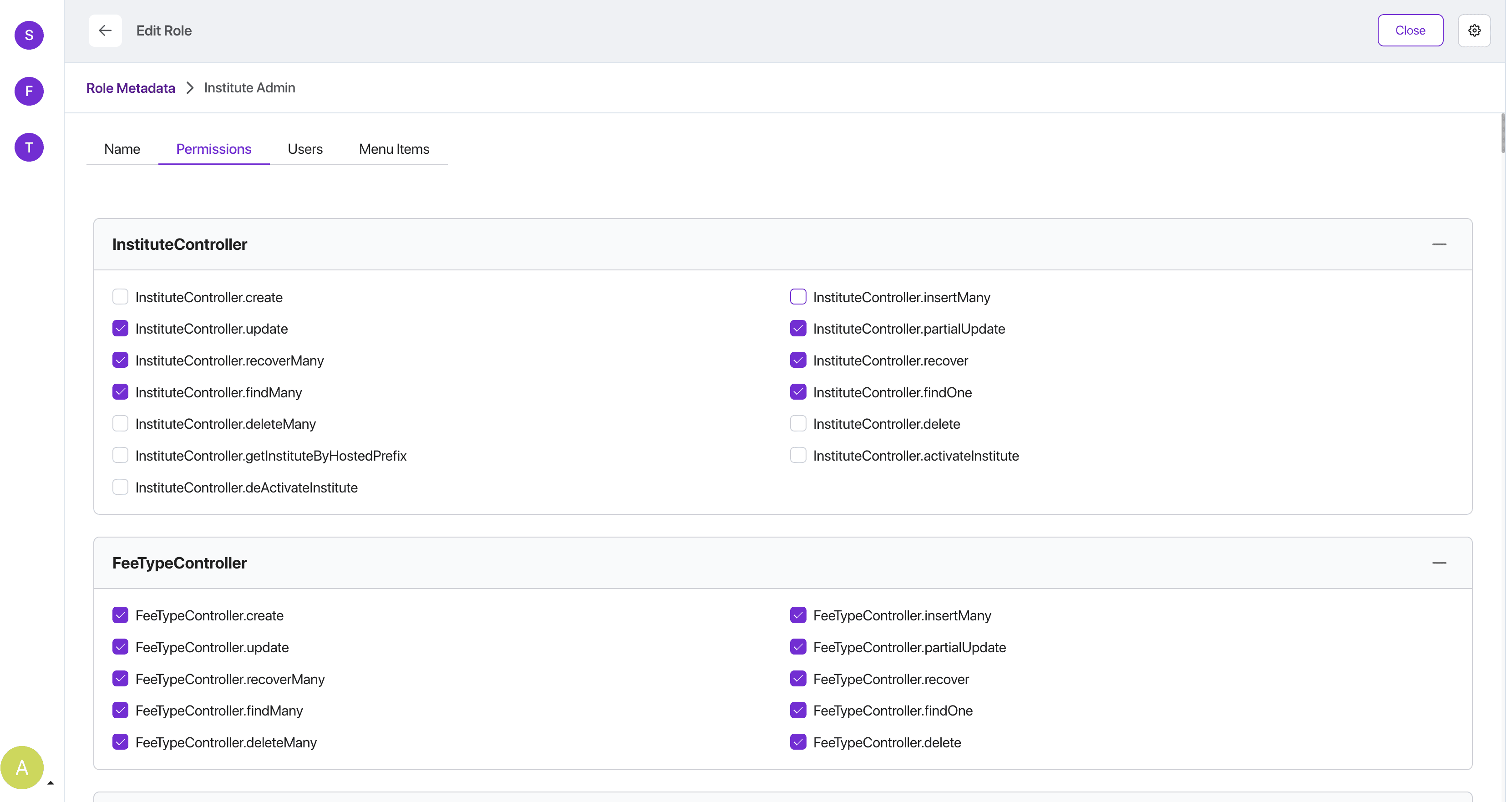
Figure 3: Assigning Users to Role
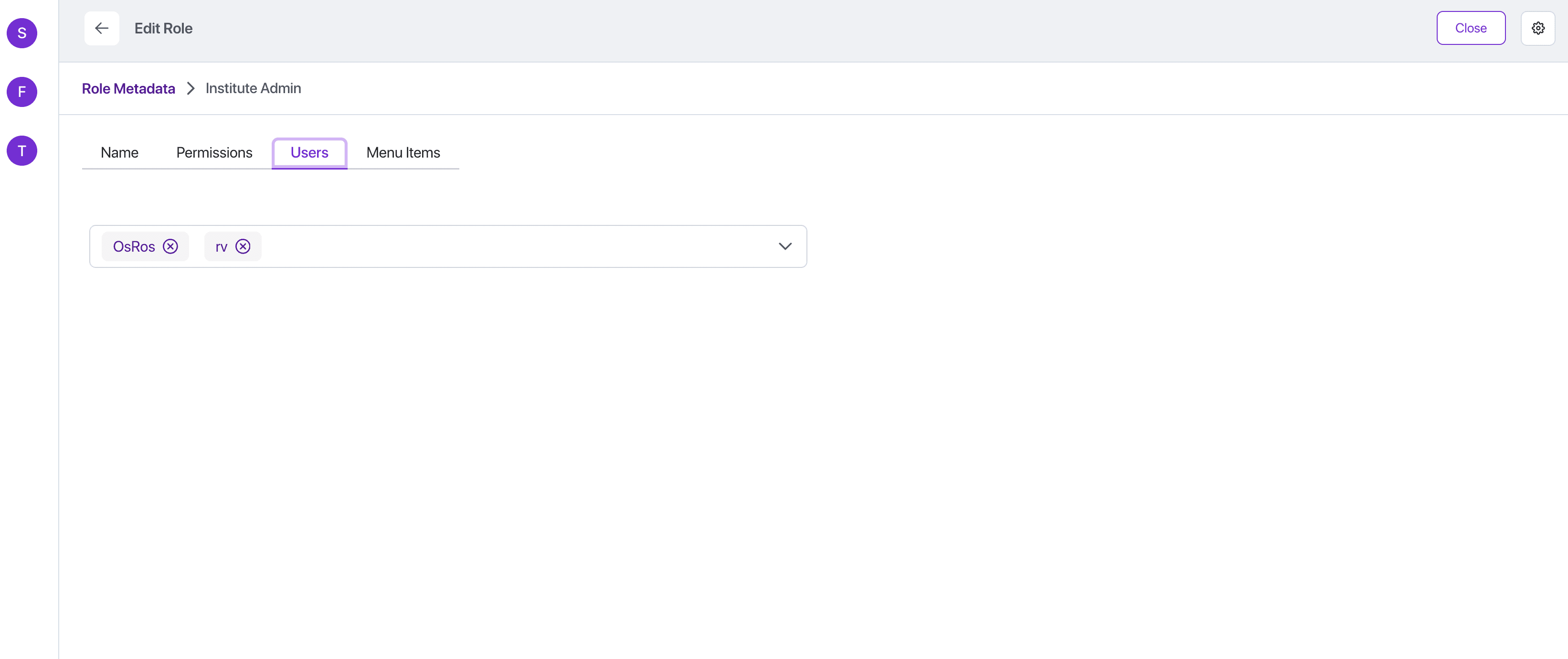
Figure 4: Assigning Menu Items to Role
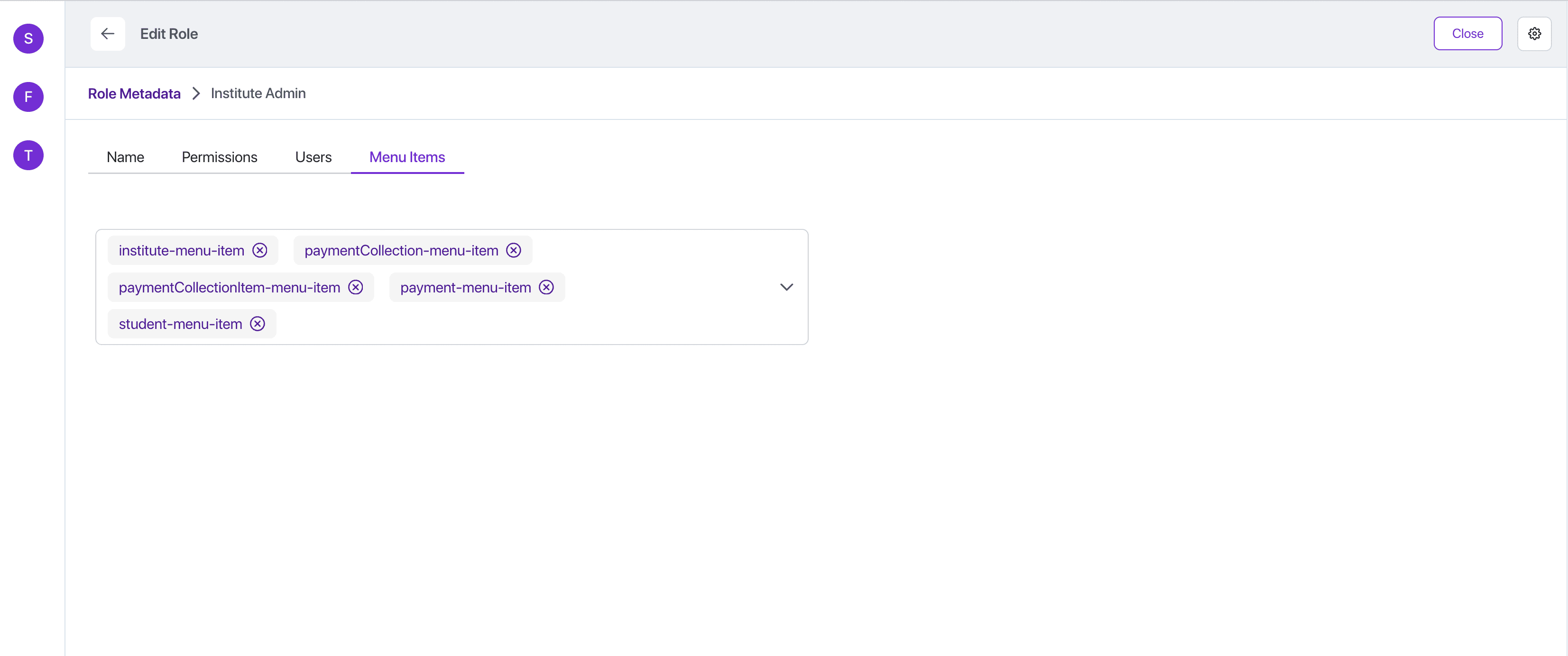
Figure 5: View Roles list
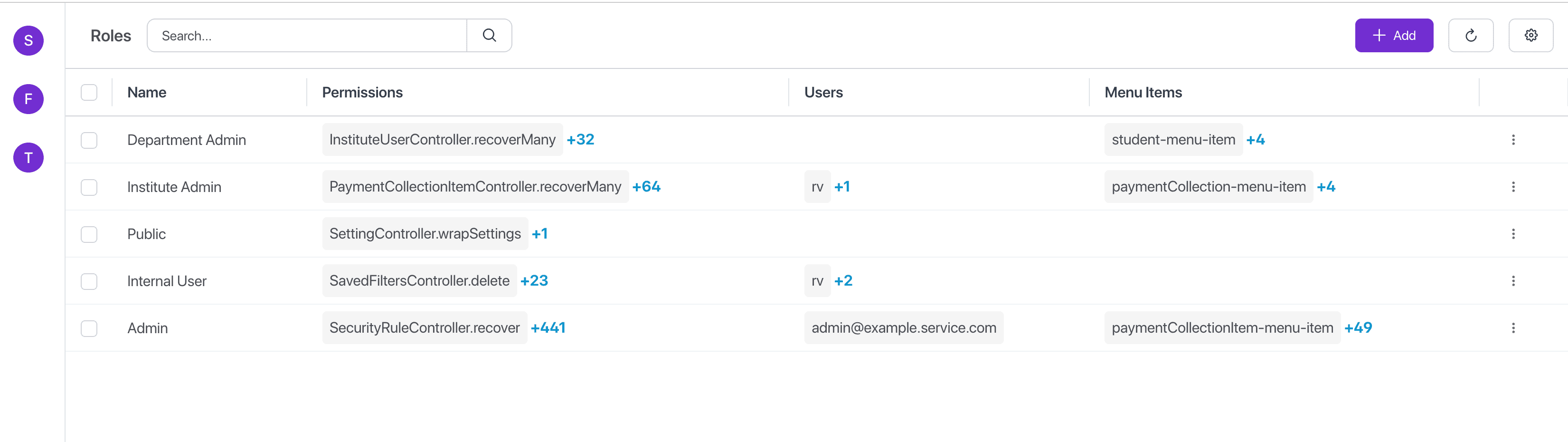
To create a new role:
- Navigate to IAM > Roles
- Click on "Add"
- Provide details:
- Name (unique identifier)
- Permissions (list of permissions to assign)
- Users (list of users assigned to the role)
- Menu (list of menu items accessible by the role)
- Click "Save" to create the role.
- User can view the new role in the roles list.
Best Practices
Role Assignment
- Assign minimum necessary roles
- Regular access reviews
- Document role assignments
Maintenance
- Archive unused roles
- Monitor role changes