

Module Builder
Module Builder
Introduction
The Module Builder is a core module of SolidX that empowers you to create and manage your application's data models and user interfaces. With the Module Builder, you can accelerate development, simplify management, and build enterprise applications with minimal coding.
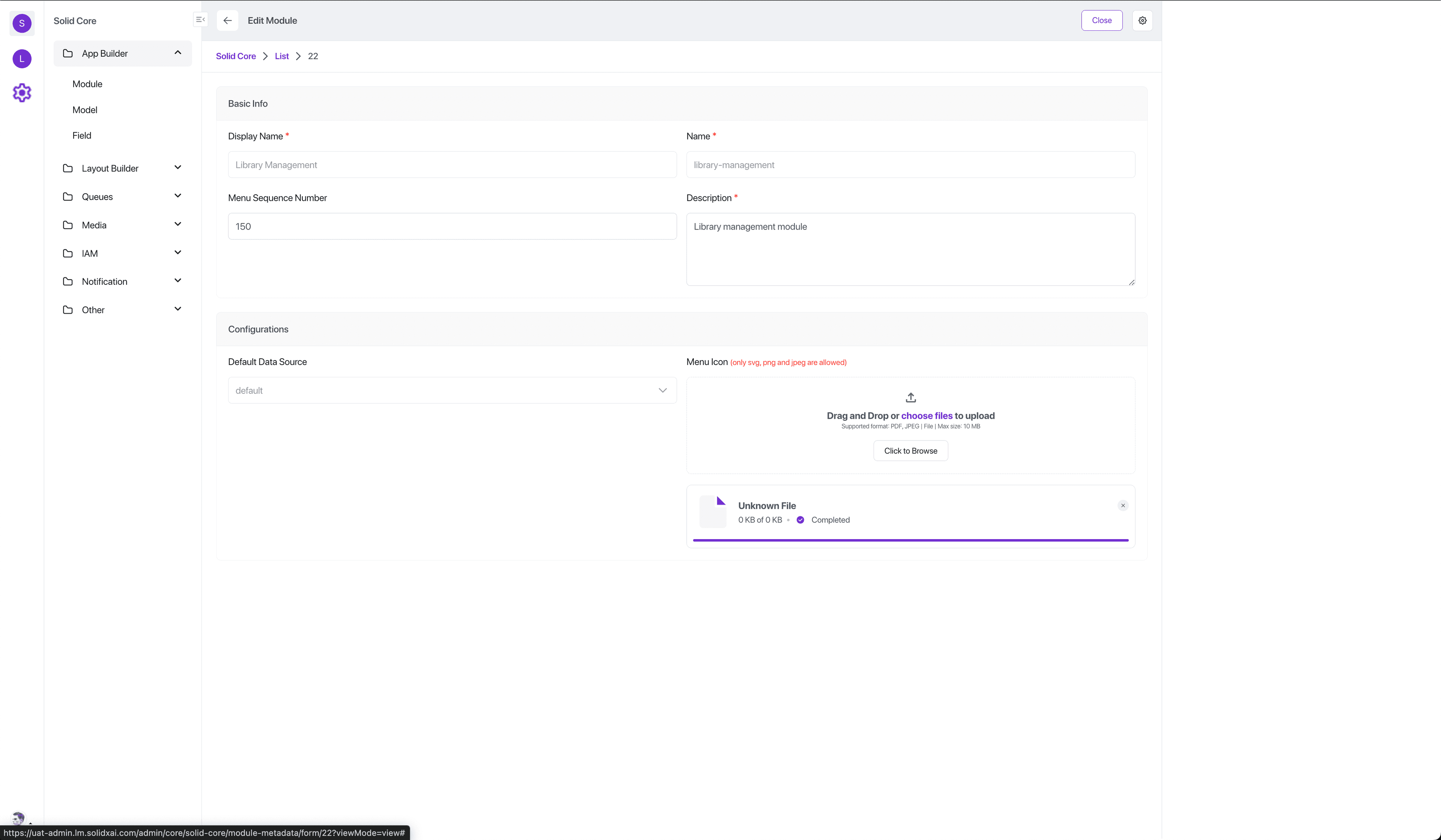
In SolidX, applications are structured around Modules, which serve as the primary organizational unit in the platform.
A module represents a self-contained functional area of your app - for example, Admissions, Inventory, or HR. Within each module, you define Models, which represent the core data structures relevant to that domain.
Models - More Than Just Tables
Unlike traditional low-code platforms where models are just simple database tables, SolidX models are semantic, configurable, and powerful:
- Data Source Mapping: Bind a model to internal databases or external APIs.
- Soft Delete Support: Enable logical deletion of data.
- Draft & Publish Workflow: Save changes as drafts and publish them live when ready.
- Internationalization (i18n): Support multilingual content.
- Computed Fields & Expressions: Define business logic directly in the model.
- Custom Actions & Lifecycle Hooks: Inject custom behavior into create, update, or delete actions.
Fields - Not Just Name & Type
Fields in SolidX go beyond basic types like string or integer. They support rich semantic types for dynamic and expressive UIs:
- one2many, many2one, many2many: Define relationships between models.
- selectionStatic: Create dropdowns using static values (e.g.
status: [New, In Review, Approved]). - selectionDynamic: Fetch dropdown options from dynamic sources (e.g., countries from an API).
- mediaSingle / mediaMultiple: Upload single or multiple files (images, documents, audio, video).
- richText / markdown / json / expression: Advanced content editing, structured input, or script-based values.
Note
These fields not only define the data schema but also influence form layouts, validations, and user experience automatically, reducing the need for hand-coded UI logic.
Example Structure
Hypothetical School Management System:
- Module: Admissions
- Model: Student
name(Text)grade(selectionStatic: Grade 1–12)birth_certificate(mediaSingle)guardian(many2one → Guardian)
- Model: Guardian
name(Text)phone_number(Text)nationality(selectionDynamic → fetch from country API)
- Model: Student
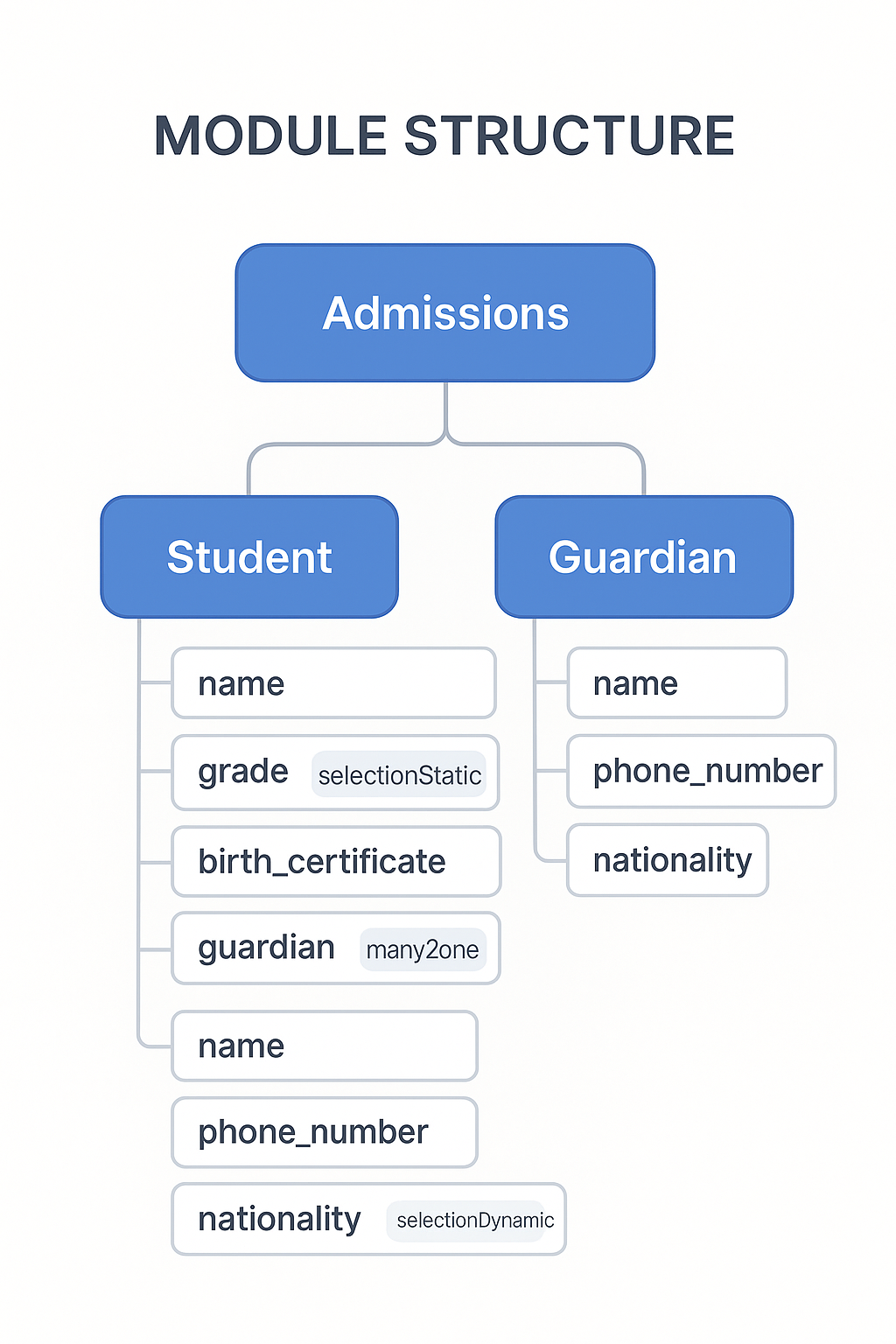
Info
This approach gives you a clean, maintainable, and semantically rich model of your domain - all without writing backend code. SolidX automatically generates a feature-rich REST API for your domain model, enabling advanced enterprise workflows.
Key Features
You can explore the core functionality of the Module Builder via the cards below:
Model Builder
- Modules: Organize your app into logical modules for clean architecture. Learn More
- Models: Efficiently define data structures aligned to your business requirements. Learn More
- Fields: Configure different field types to structure data effectively. Learn More
Layout Editor
- Menu Items: Define navigational elements.
- Views: Create custom perspectives (List, Kanban, Form).
- Custom Actions: Add extra functionalities triggered by users.