

Facebook OAuth
Guide to configuring Facebook (Meta) OAuth authentication
Overview
This document provides a guide on how to configure and use Facebook OAuth authentication. The implementation allows users to sign in using their Facebook (Meta) accounts.
Facebook App Configuration (Meta for Developers)
To use Facebook OAuth, you must create and configure an app on the Meta for Developers platform.
1. Create a Facebook App
- Log in to the Meta for Developers portal.
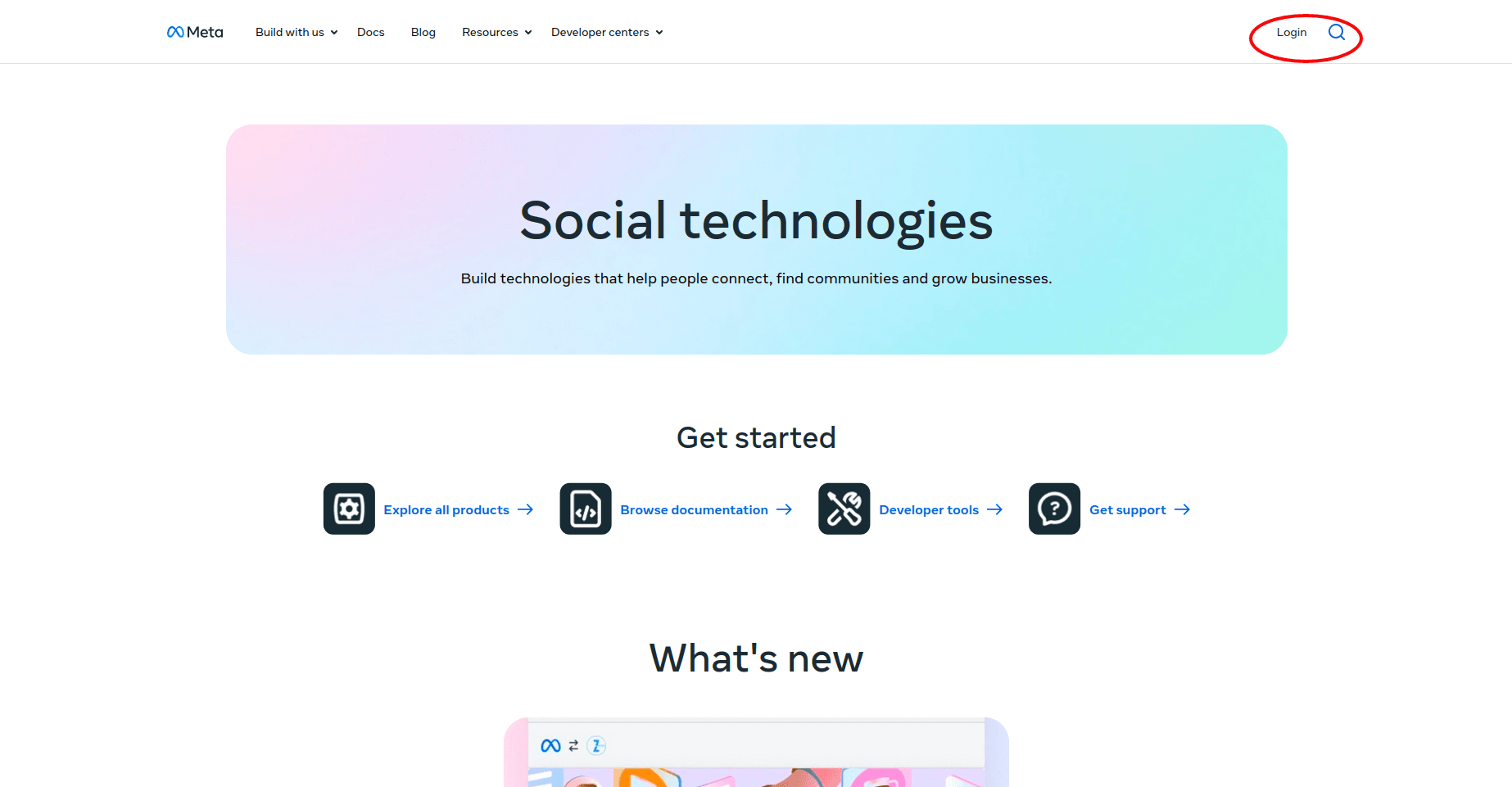
- Click on My Apps and then click Create App.
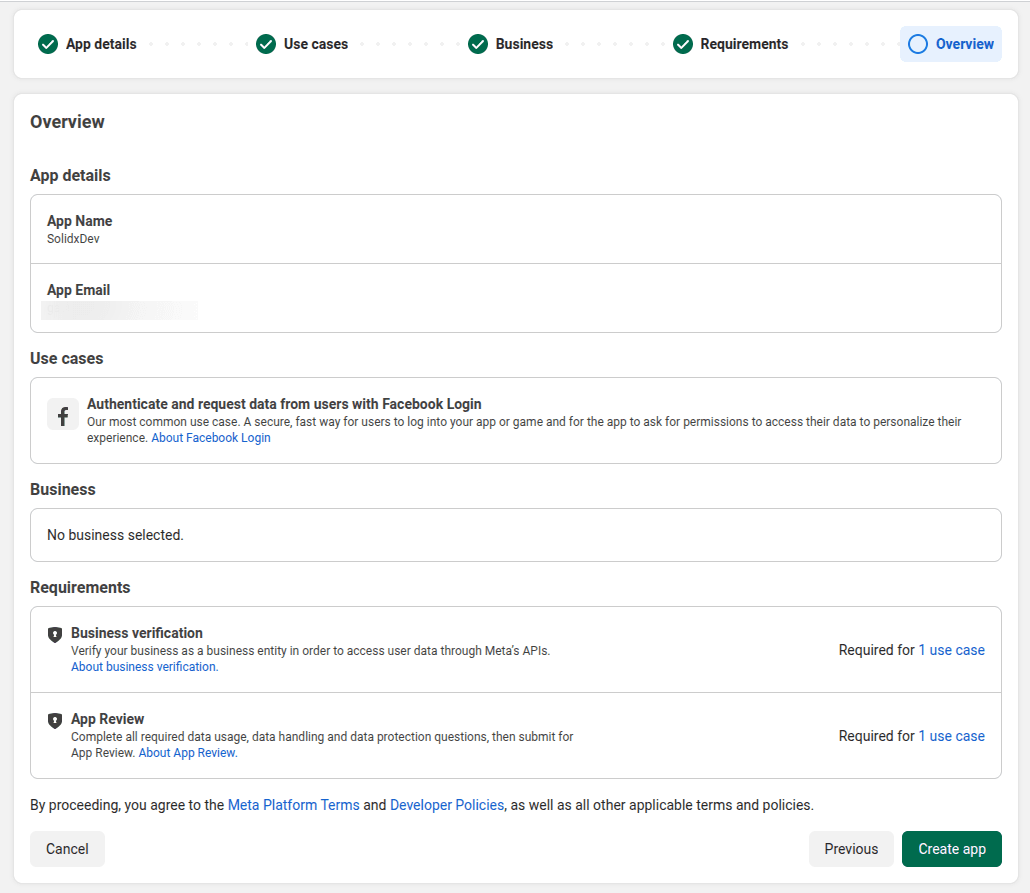
- Select an app type (e.g., "Allow people to log in with their Facebook account").
- Enter an app name and contact email.
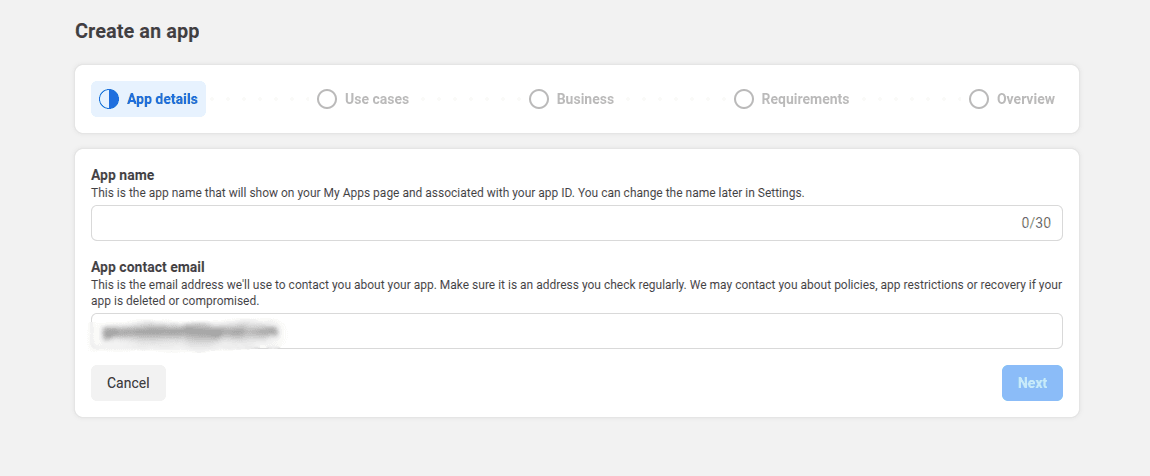
- Click Create App.
2. Configure Facebook Login
- In the app dashboard, find Facebook Login and click Set Up.
- Select Web (WWW) as the platform.
- Enter your site URL (e.g.,
https://localhost:3000). - Navigate to Facebook Login > Settings in the left sidebar.
- In the Valid OAuth Redirect URIs field, enter your callback URL:
- Development:
https://localhost:3000/api/iam/facebook/connect/callback - Production:
https://your-api-domain.com/api/iam/facebook/connect/callback
- Development:
- Click Save Changes.
3. Get App ID and App Secret
- Navigate to App Settings > Basic.
- Copy the App ID.
- Click Show next to App Secret (you may need to re-enter your password) and copy the secret.
Configuration (Environment Variables)
Add the following environment variables to your .env file:
# Facebook OAuth Configuration
IAM_FACEBOOK_OAUTH_CLIENT_ID=your-app-id
IAM_FACEBOOK_OAUTH_CLIENT_SECRET=your-app-secret
IAM_FACEBOOK_OAUTH_CALLBACK_URL=https://localhost:3000/api/iam/facebook/connect/callback
IAM_FACEBOOK_OAUTH_REDIRECT_URL=https://localhost:3000/auth/facebook/callback
Authentication Flow
User clicks the Facebook sign-in button in the application.
The application redirects to Facebook's login page for authentication.
User logs in with their Facebook account and grants the application permission to access their email and profile.
Facebook sends back a confirmation that the user is authenticated.
The application receives the confirmation and creates an internal session for that user.
The application logs the user in and grants access to the app.