

Author Scenarios
Use the connected MCP AI assistant to create test scenarios from a plain-language description.
Test scenarios are created through the connected MCP AI assistant. You describe what a customer should be able to do, and the assistant creates the scenarios for that application.
Create scenarios
- Open your application in Applications.
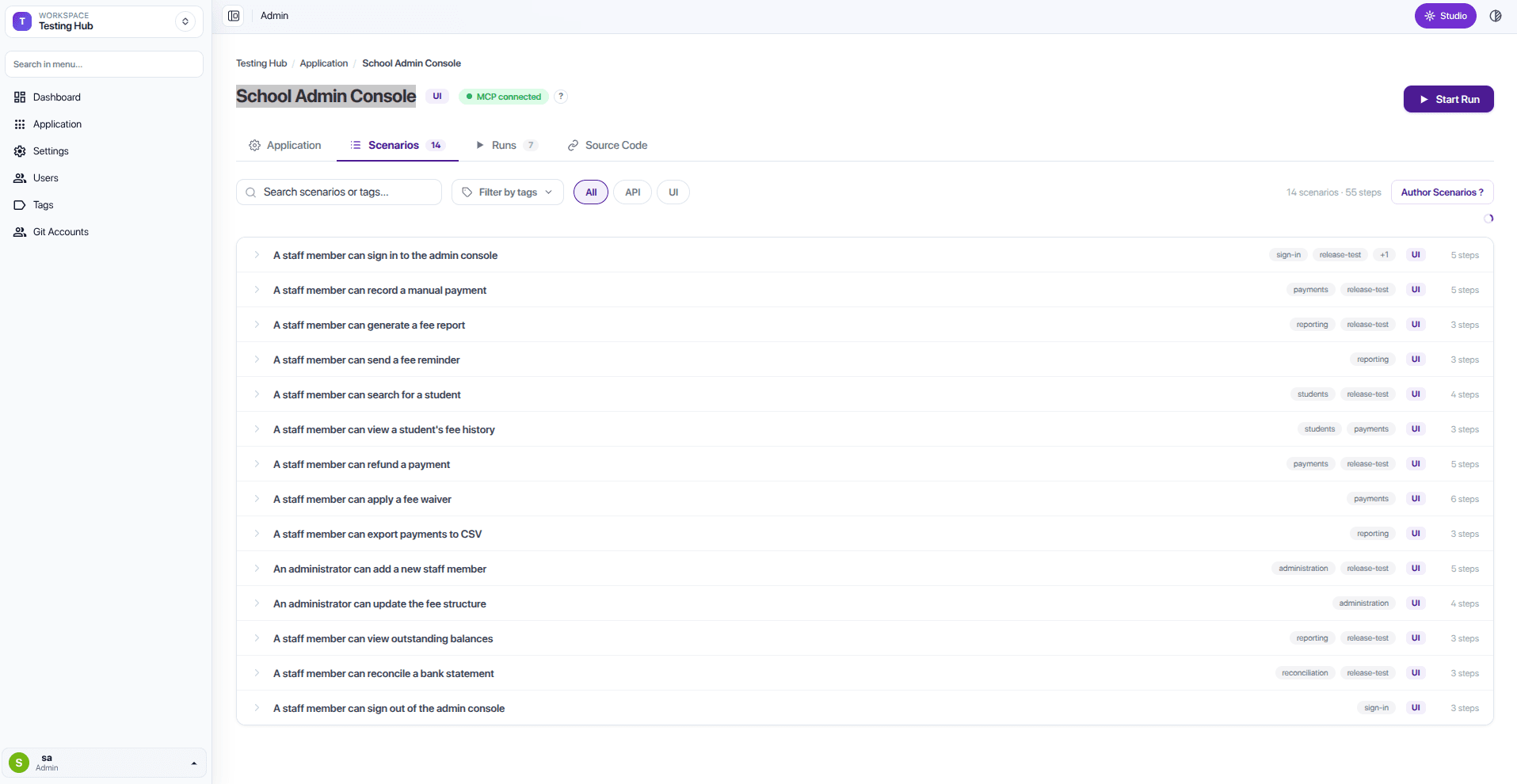
- Open the Scenarios tab and select Author Scenarios.
- In the connected MCP AI assistant, describe the customer journeys you want to test.
For example: “Create test scenarios for the Library Management application: a librarian can sign in, add a book, and find a book.”
The assistant creates the test scenarios from your description. You only need to explain the customer journey and expected outcome; you do not need to describe technical steps.
As the assistant writes them, the scenarios appear in the Scenarios tab, each with its labels and step count. You can search and filter them by tag.
Start with the journeys that matter most
Begin with a small set of journeys that customers or staff need every day. Add more scenarios as the application grows.